
outbrief-daemon
Runs in the background on the computer that runs your agents. It turns each report into a spoken brief with your own LLM, encrypts it, and hands it to the server. It also delivers your reply back to the session.
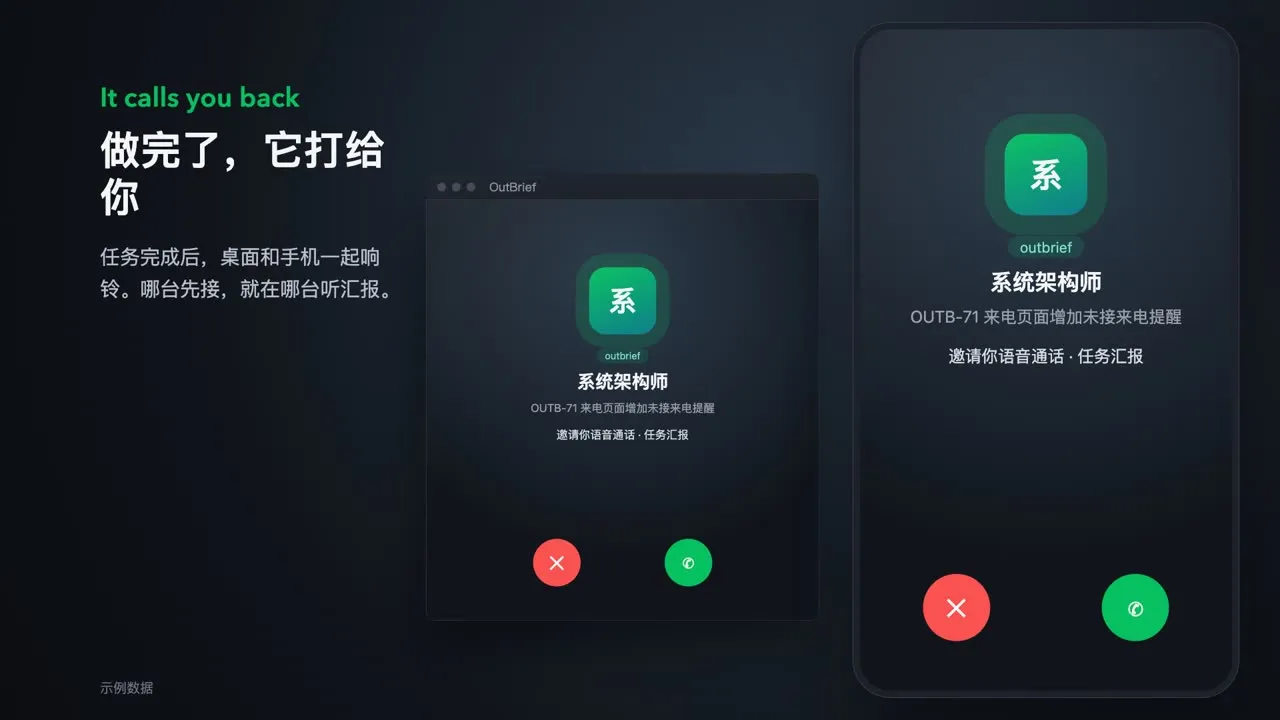
OutBrief lets an AI agent report to you with a phone call. When a task is done, your phone and computer ring. Pick up to hear the key points. Say one sentence when you hang up, and the reply goes back to the same session.
outbrief-daemon
Runs in the background on the computer that runs your agents. It turns each report into a spoken brief with your own LLM, encrypts it, and hands it to the server. It also delivers your reply back to the session.
outbrief-server
A relay. It stores and forwards ciphertext only, holds no key, and cannot read reports, briefs, or replies. Ciphertext is deleted when the call ends. Use the official server or host your own.
outbrief-app
Runs on your phone and computer. It rings, speaks the brief with cards, answers your questions, and sends your reply back encrypted.
The agent finishes
Claude Code or Codex ends a turn, or an agent on Multica posts a report comment.
The daemon writes a brief
With the LLM you configured, the daemon turns the report into a short spoken brief, a few cards, and the questions you need to decide. It encrypts them and sends them to the server.
Your devices ring
Every device in the account rings. Pick up on any of them, and the others stop.
Listen and ask
The app speaks the brief while the cards turn. Type to cut in at any time; the LLM answers from the full report.
Hang up to reply
What you said and decided during the call becomes a reply that you can edit before sending. The daemon resumes the agent in the same session, or posts the reply to the Multica issue as you.
Details are in Encryption and privacy.